CatDays
 A cat to count down the days that matter.
A minimalist countdown & counter app — a cute cat keeps you company through every day you care about.
App Store rating
downloads
Free · No sign-up · iOS only
A cat to count down the days that matter
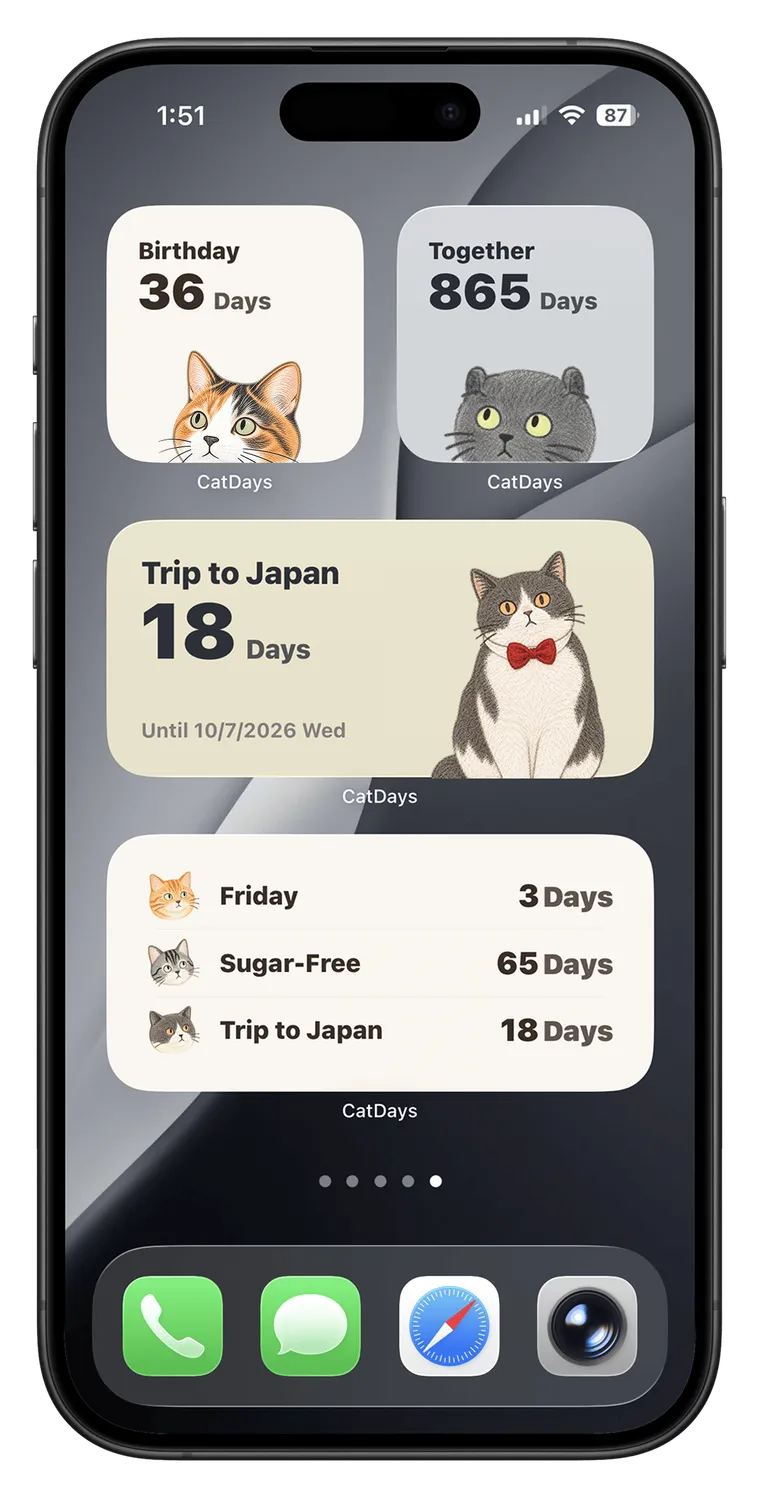
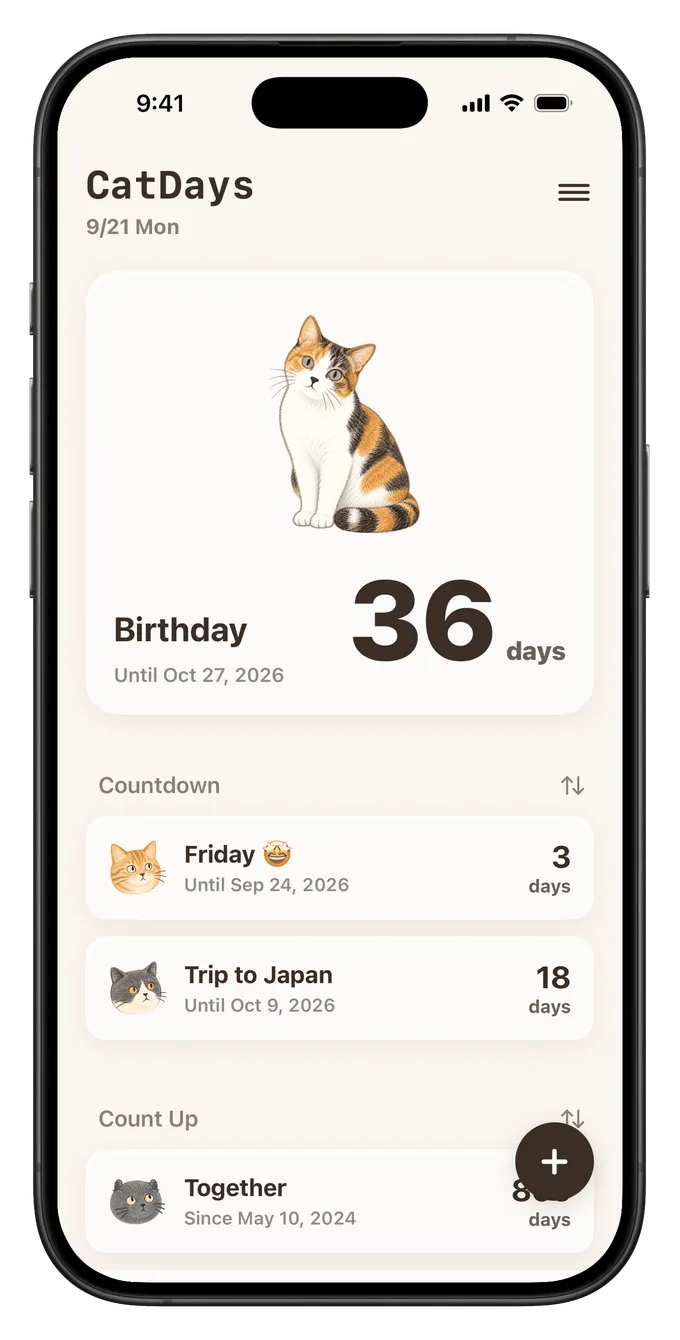
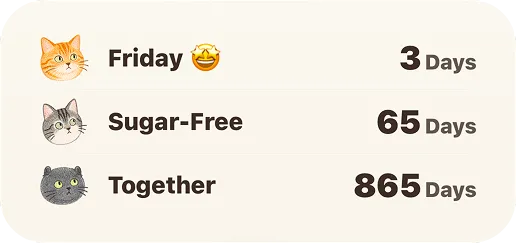
Birthday, travel, anniversary — every day worth looking forward to has a little cat counting down with you.

A little different every time you look
Cats have their own routines — they switch poses in the widget now and then, a small surprise on every glance.
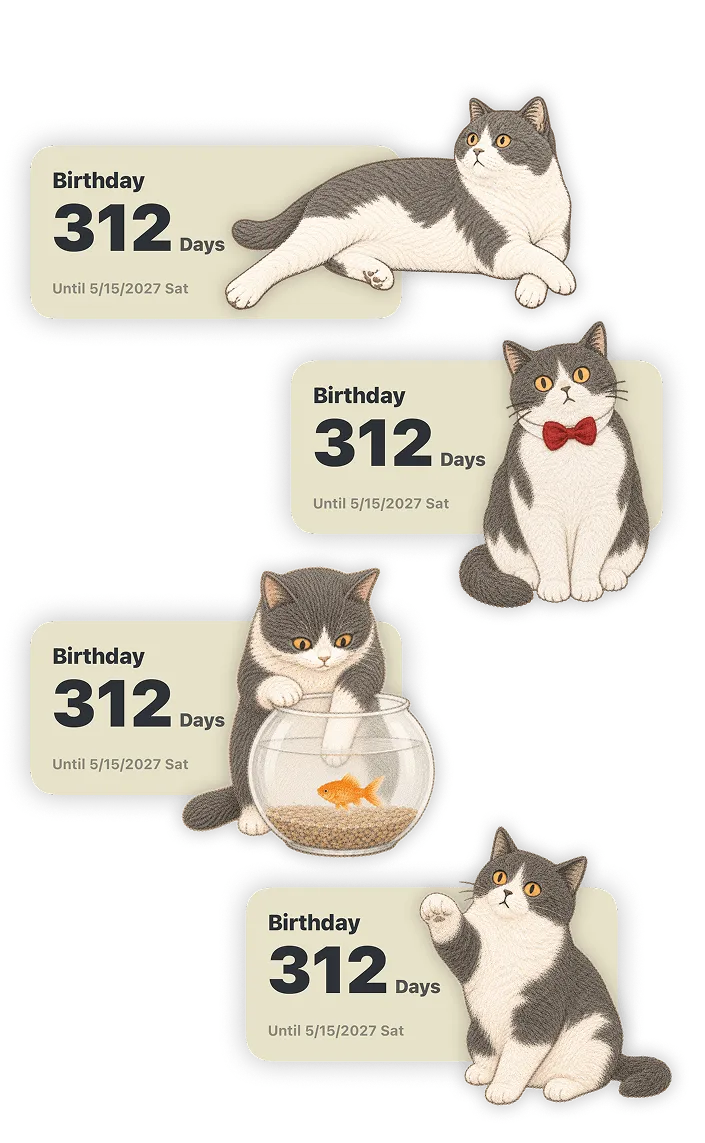
Widgets to mix and match
Pick your cat, the time format, and the widget size to build the Home Screen that fits you.
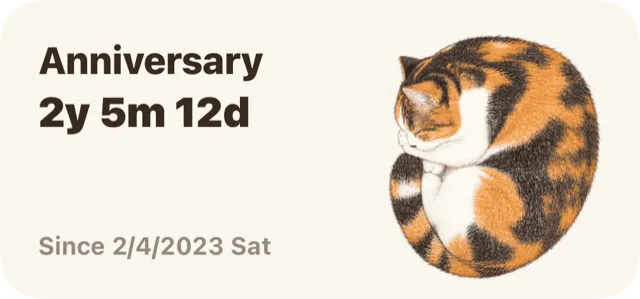
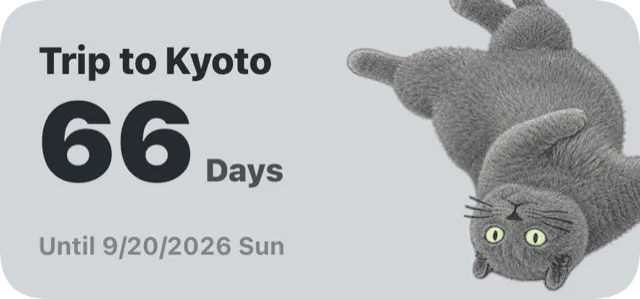
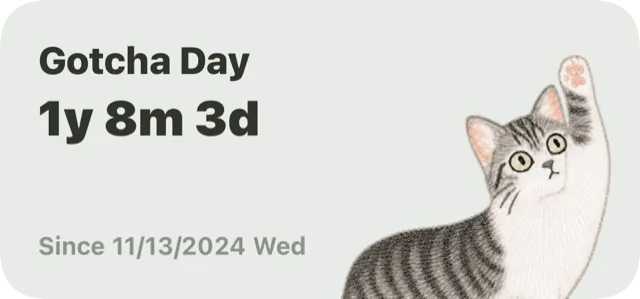
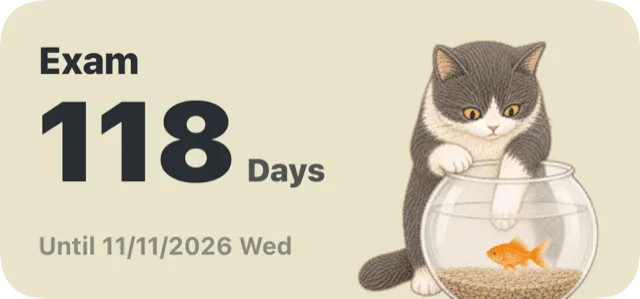
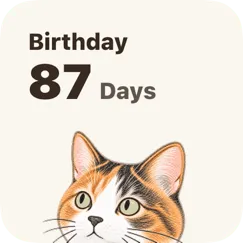
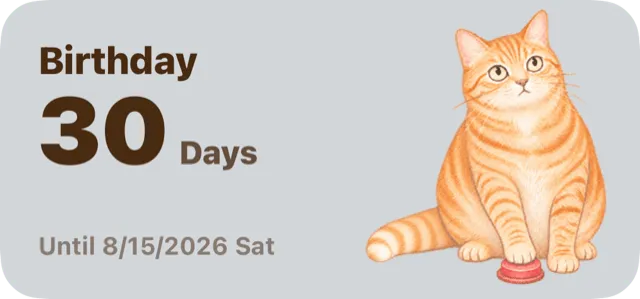

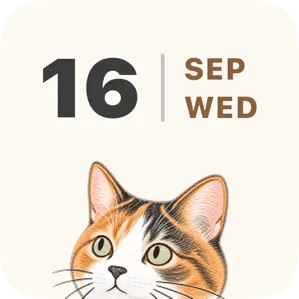
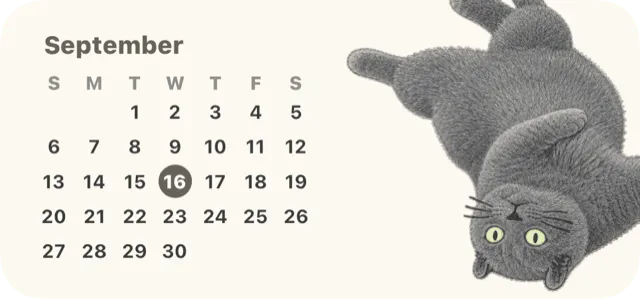
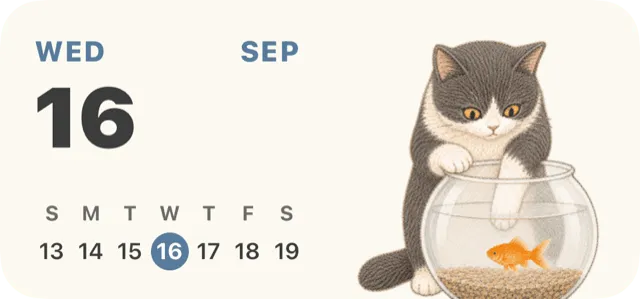
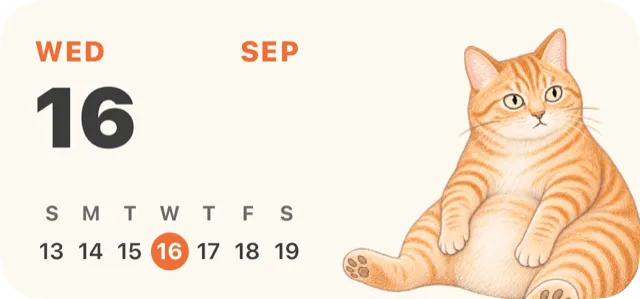
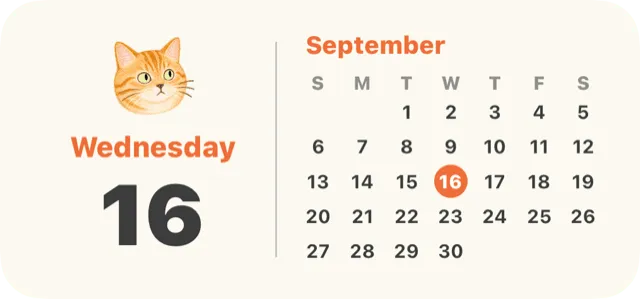
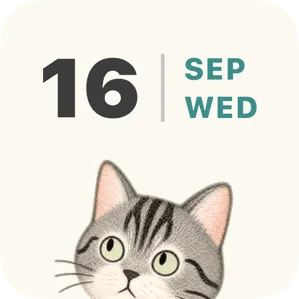
A Cat Calendar By Your Side
Choose from several calendar styles and put your favorite cat on any of them — the calendar becomes their turf too.

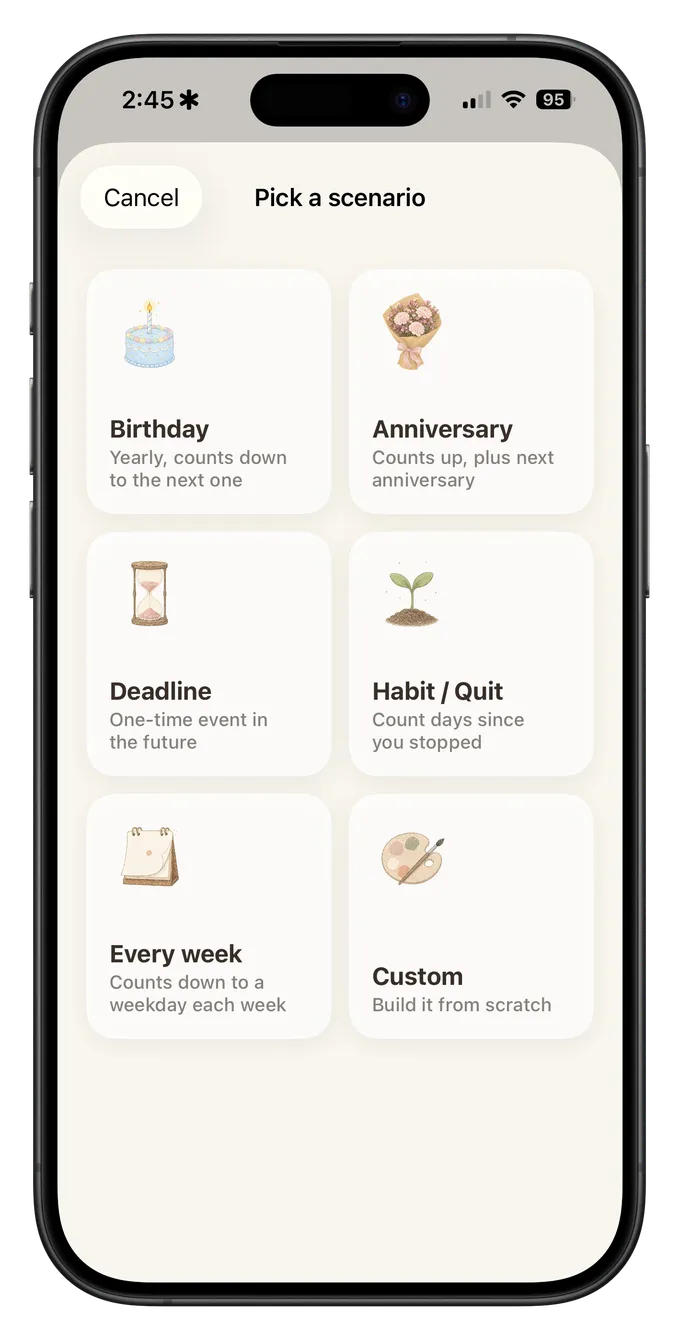
Common occasions, ready in a tap
Birthday, exam, anniversary and more come as built-in templates — start counting down in a few steps.

Five cats, five personalities
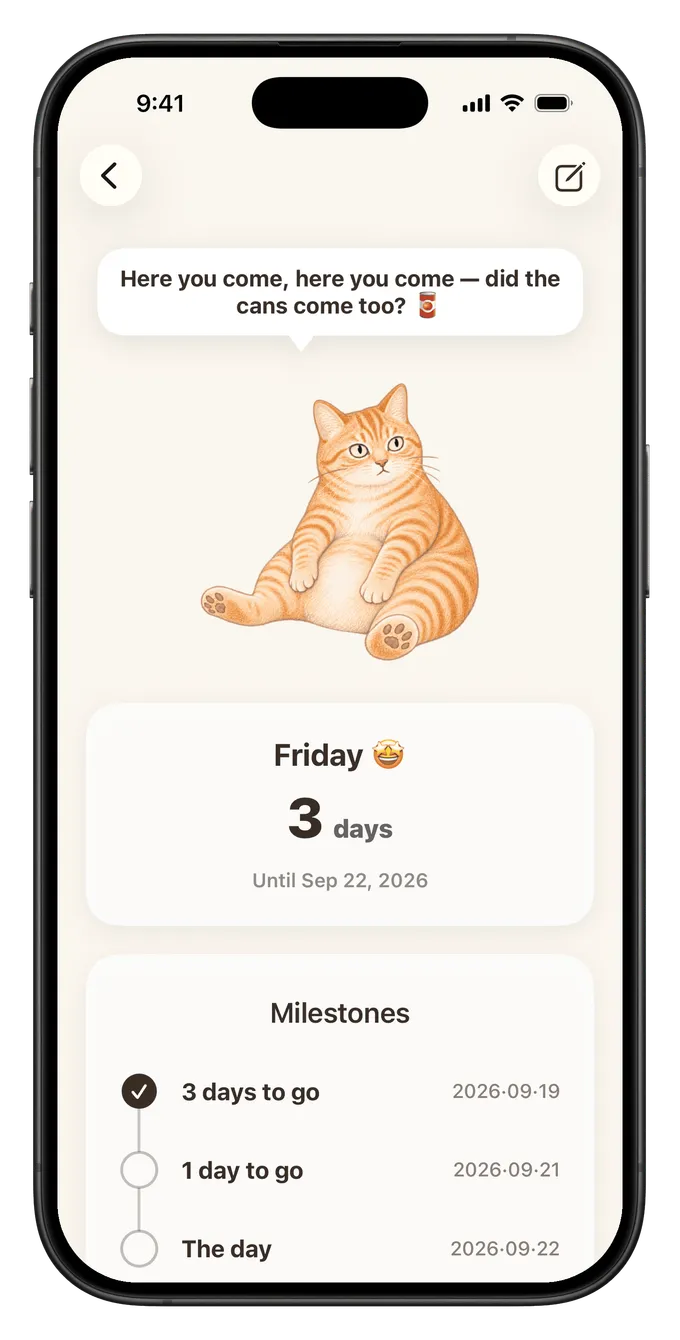
Each cat has its own look and character. Poke it on the detail page and see how it reacts.
Real reviews on the App Store
Written by users around the world; non-English reviews translated by us.
Frequently asked questions
Is it free?
The app is a free download and comes with Coco to get you started. The other cats are paid characters you can unlock anytime — a one-time purchase, no subscription.
Does my data sync?
Yes. It syncs across your own devices through your personal iCloud — our servers never touch your data.
Is my data safe?
Every countdown lives on your device and your personal iCloud, synced across your own devices through Apple’s encryption — never through our servers.
How do I add a countdown to my Home Screen?
Touch and hold the Home Screen → tap “Edit” in the top-left → “Add Widget” → search for CatDays → pick the style you like. It works on the Lock Screen too: touch and hold the Lock Screen → “Customize” → tap the widget area below the clock → search for CatDays.
Read the full guide →